Mailheight

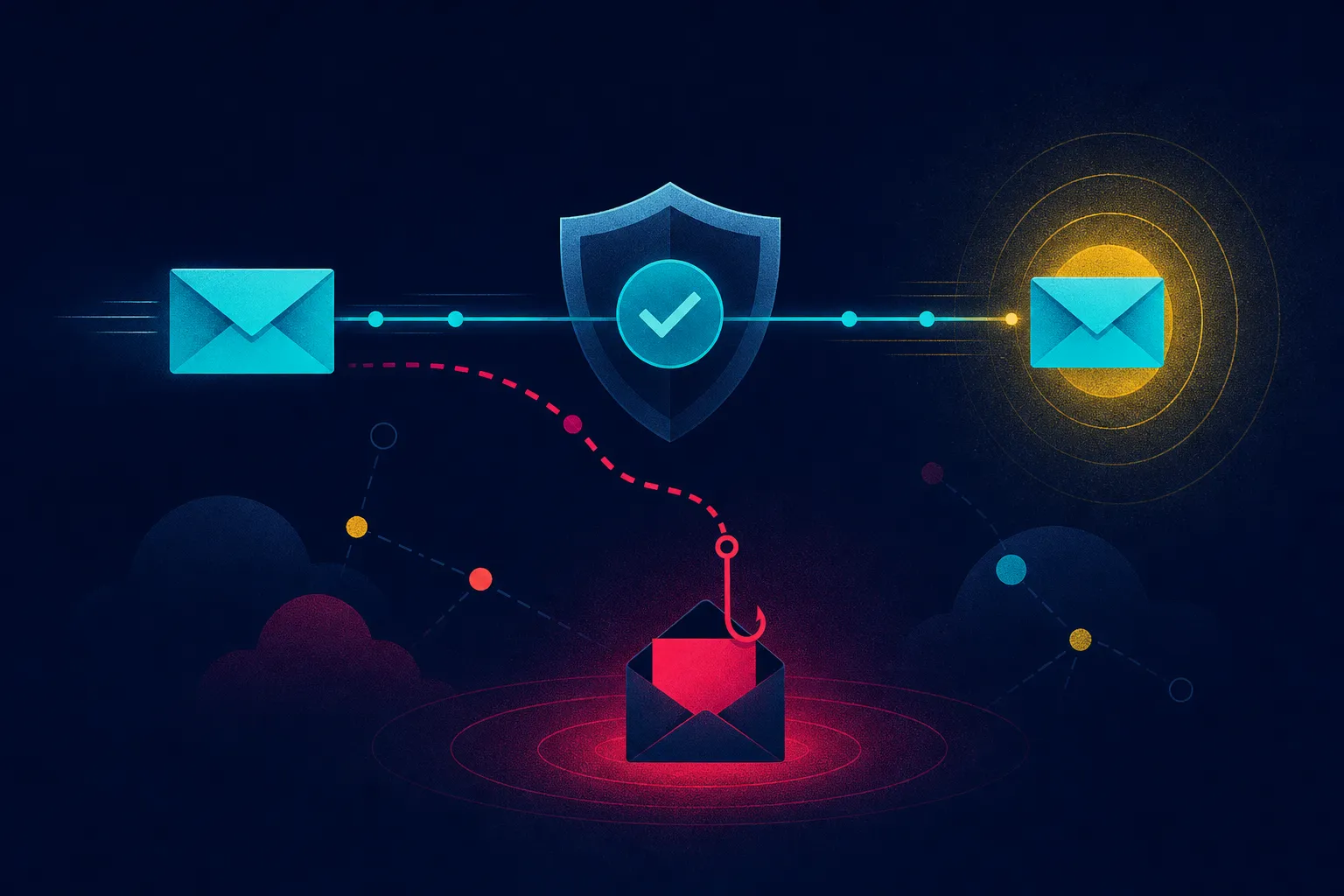
Most deliverability advice focuses on getting your message into the inbox. That is only half the job. The other half is making sure the links and pages you send people to are trustworthy, and that your recipients can tell the difference between your outreach and an attack that imitates it. A phishing technique called DOM mirroring makes that distinction harder, because a link can pass inspection and still behave maliciously once a real person opens it.
A recent post from Nithyanandan Ramakrishna summarizes research from Push Security on how this works. You can read the original LinkedIn post for the summary and the linked sources.
What DOM mirroring actually does
The mechanics are worth understanding, because they explain why familiar defenses can miss it. In a DOM mirroring attack, the attacker runs the real login page in a browser on their own infrastructure. The page structure is then sent to the victim's browser and rebuilt there. What the victim sees behaves like the real sign-in page. They enter the username, then the password, then the MFA code. The real authentication happens through the attacker's browser, and the attacker ends up holding the authenticated session.
That last point is the important one. The attacker does not need to crack the password or defeat multi-factor authentication. They let the victim complete the real login and then take over the session that results. This is often described as an adversary-in-the-middle approach, and it is a meaningful shift from older phishing pages that simply collected credentials and hoped MFA was not enabled.
Why the usual checks can come back clean
The post lists several reasons these attacks are difficult to catch:
- Bot checks can keep automated scanners out.
- Cloaking can show one thing to a scanner and another to a human.
- Trusted redirects and legitimate cloud services can make the route look less suspicious.
- Domains can rotate faster than reputation systems catch up.
- The phishing page can change as the victim interacts with it.
Each of these undermines a different layer of defense. Bot checks and cloaking defeat automated inspection. Trusted redirects and cloud hosting borrow credibility from services that are not themselves malicious. Domain rotation outpaces reputation data. And a page that changes after interaction means a scan at one moment tells you little about what a user will see a minute later.
What this means for agencies running outbound email
If you run prospecting email for clients, you are in the business of asking strangers to click links. That is exactly the behavior phishing relies on. Two things follow from that.
First, your own links need to be as clean and predictable as possible. Use your real, established sending domain rather than lookalike or throwaway domains. Keep redirects to a minimum and make sure every hop is a destination you control and can explain. If a prospect or a security team inspects your link, the result should be boring.
Second, expect more scrutiny from the people you email. Security-aware recipients are being trained to question links, and that training is correct. When your outreach looks like a generic login prompt from an unfamiliar domain, you are competing with the exact pattern attackers use. Clear identification of who you are, a recognizable domain, and a message that does not mimic account verification all help you stay on the right side of that instinct.
Authentication still matters, but it is not the whole answer
The post is explicit that SPF, DKIM and DMARC still matter, that URL inspection still matters, and that destination scanning still matters. Nothing here argues for abandoning those controls. The point is narrower and more uncomfortable: a clean result at scan time does not guarantee that the human will see the same behavior later.
For agencies, this reinforces something worth repeating to clients. Authentication proves a message came from a domain the sender controls. It does not vouch for what happens after a click. Those are separate problems, and both deserve attention.
Questions worth asking about any link
The post suggests shifting from identifying a bad URL to watching what the page actually does in the browser. It offers a set of questions to ask:
- What does the page actually do when a real user opens it?
- Does it behave differently after interaction?
- Is the login happening where the user thinks it is?
- What happens to the session after MFA succeeds?
These are useful questions for security teams, and they are also a useful lens for your own landing pages. If a prospect opens your link and lands somewhere that asks them to sign in, stop and reconsider. Prospecting email should lead to content, a booking page, or a clear next step, not a credential prompt.
Practical steps for agency teams
You do not need to become a browser security specialist to reduce your exposure. A few habits go a long way.
Audit the links in your templates. Know every domain and redirect in your sequences. Remove anything you cannot explain, including tracking links from tools you no longer use.
Keep sending domains consistent. Rotating through many lookalike domains to protect one main domain is a pattern that mirrors attacker behavior. It also makes you harder for recipients to recognize and trust.
Do not imitate account notifications. Outreach that looks like a password reset or a security alert trains people to click carelessly or to report you. Neither outcome helps.
Brief clients on the difference. When a client asks why a link scanner flagged or cleared something, explain that a scan is a point-in-time check. It is evidence, not a guarantee.
Treat reports seriously. If a recipient says your email looked like phishing, that is useful signal about your templates and domains, not just an annoyance to suppress.
The takeaway
DOM mirroring is a reminder that the message and the destination are two parts of one trust problem. The message gets the user to the door, as the post puts it, and the attack may be waiting on the other side. For agencies, the practical response is to keep authentication and domain hygiene strong, keep your links simple and explainable, and stop assuming that a clean scan settles the question. Deliverability gets you into the inbox. Trustworthiness is what keeps you there.