Mailheight


Most security failures do not start with a dramatic breach. They start with one small opening that nobody closed, and then another, and then another. Nithyanandan Ramakrishna recently framed this well in a post about the Cursor and Fireworks incident, using an old story about a camel that gets its nose inside a tent, then its head, then its neck, then its legs, until the camel occupies the whole tent and the man is standing outside.
You can read the full post here: the original LinkedIn post.
The lesson for agencies running outbound email is direct. A single exposed credential is rarely the whole problem. The problem is where that credential can travel next. If you run prospecting campaigns for clients, you are holding sending domains, inbox credentials, API keys, CRM access and reporting data all at once. The question worth asking is not only whether a key can leak, but how far it can go if it does.
What happened in the Cursor and Fireworks incident
According to the post, Cursor reported that an access key exposed at Fireworks opened a read-only bucket of historical coding-agent traces. A small number of those traces contained credentials. Those credentials opened paths into other SaaS systems, and more access exposed more credentials. A stolen credential from that chain was eventually used to place a malicious extension into Cursor's marketplace cache, which Cursor says was available for about 11 hours before removal.
The detail that matters is the chain. One key led to a bucket, the bucket led to credentials, the credentials led to other systems, and those systems led to a marketplace cache. Each step was small. Together they formed a path that no single control was watching for.
Why this matters for outbound email teams
Outbound email infrastructure is a collection of connected systems. You likely have a sending platform, one or more domains, DNS records for SPF, DKIM and DMARC, a CRM, a data enrichment tool, a reporting dashboard, and possibly several AI services used for writing or analysis. Each of those holds some kind of access.
If one of those accesses is over-scoped, the blast radius grows. A leaked API key for a reporting tool should not be able to change DNS records. A writing assistant should not be able to read your full contact database. A single inbox credential should not unlock every client account you manage.
This is not a hypothetical concern for agencies. You often operate on behalf of clients, which means a compromise in your stack can reach client domains and client reputations. That is a much bigger problem than a single bad send.
The principle: give each service only what its job needs
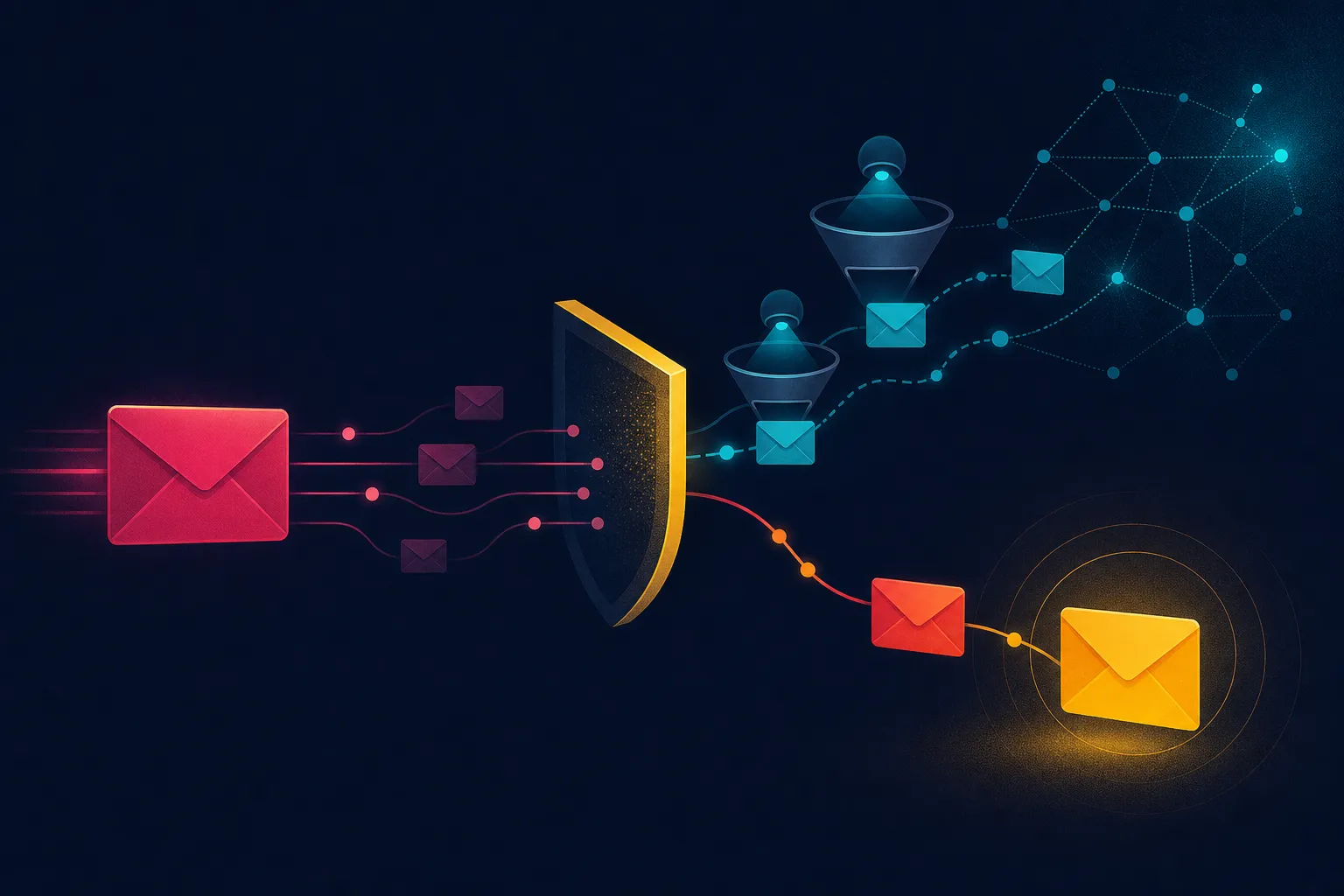
The post describes how access inside MailHeight is deliberately divided. Different services handle different jobs: one handles workflow decisions, one writes, one analyses reports and checks outputs, and one retrieves public information for research. Each service gets only what its specific job needs.
You can apply the same thinking without rebuilding your stack. Start by listing every tool that touches your outbound process and what it can actually access. Then ask two questions for each one:
- If this credential is exposed, where can it go next?
- If this service is compromised, what else can it reach?
The answers usually reveal at least one integration with far more access than its job requires. A common example is a single API key shared across multiple clients because it was easier to set up that way. Another is a reporting tool with read access to everything because scoping it felt like extra work.
Network level controls still count
The post also notes that the network follows the same principle. Access is restricted to approved IPs, unused ports are closed, public SSH on port 22 is blocked, and connection attempts are checked against reputation intelligence, including Spamhaus IP blocklists.
For email teams, the IP angle has a second benefit. Reputation is central to deliverability. Checking connection attempts against reputation intelligence helps you spot suspicious activity early, and keeping your sending infrastructure clean protects the domain reputation you have worked to build. You do not need to run your own servers to take the lesson: know which IPs are authorised to touch your sending infrastructure, and remove access that is no longer needed.
A practical checklist for agencies
You do not need a security team to reduce blast radius. A few habits go a long way.
Audit integrations quarterly. List every tool connected to your sending platform, CRM and client domains. For each one, confirm what it can read and write. Remove anything you no longer use.
Scope keys per client where possible. If a tool supports separate credentials per account, use them. One key for everything means one leak affects everything.
Separate writing and sending access. Tools that draft copy do not need permission to send. Tools that send do not need permission to edit DNS.
Protect DNS access. Your SPF, DKIM and DMARC records are the foundation of authentication. Limit who can change them and enable two-factor authentication on your registrar and DNS provider.
Review mailbox permissions. Shared inboxes are convenient but risky. Make sure each user has only the mailboxes they need, and remove access when someone leaves a project.
Watch for unusual connection attempts. If your provider offers logs or alerts, review them. Repeated failed logins or connections from unexpected locations are worth investigating.
The dangerous permission is often the next one
The post closes with a question worth repeating: how far can one credential travel inside your own stack? The dangerous permission is often not the one you are looking at. It is the next one in the chain.
For agencies, the practical takeaway is to think in paths rather than in individual tools. Assume any single credential could leak, then trace where it leads. Close the steps that do not need to exist. That way, if the camel gets its nose inside the tent, it does not get the whole tent with it.
Deliverability and security are not separate projects. A compromised account can send spam in your client's name, damage a domain's reputation and undo months of careful sending. Limiting access is one of the simplest ways to protect the inbox placement you have earned.