Mailheight
The Dashboard Problem Nobody Talks About
You open your cold email dashboard. The numbers look great. Hundreds of clicks, thousands of opens. Your client is happy. Your campaign looks like a winner.
Then you dig deeper and realize almost none of those clicks came from a human being.
This is not a hypothetical. In a recent LinkedIn post, Nithyanandan Ramakrishna shared a real campaign result: 1,715 clicks, but only 13 humans. The rest came from security scanners opening every link as the email arrived, delivery checks, and link checkers. The dashboard counted all of them and called it engagement. The actual human click rate was 0.3%.
If you run cold outreach at any scale, this problem affects you whether you know it or not. And it gets worse when you are managing dozens of rotated mailboxes and domains.
What Is Actually Clicking Your Links
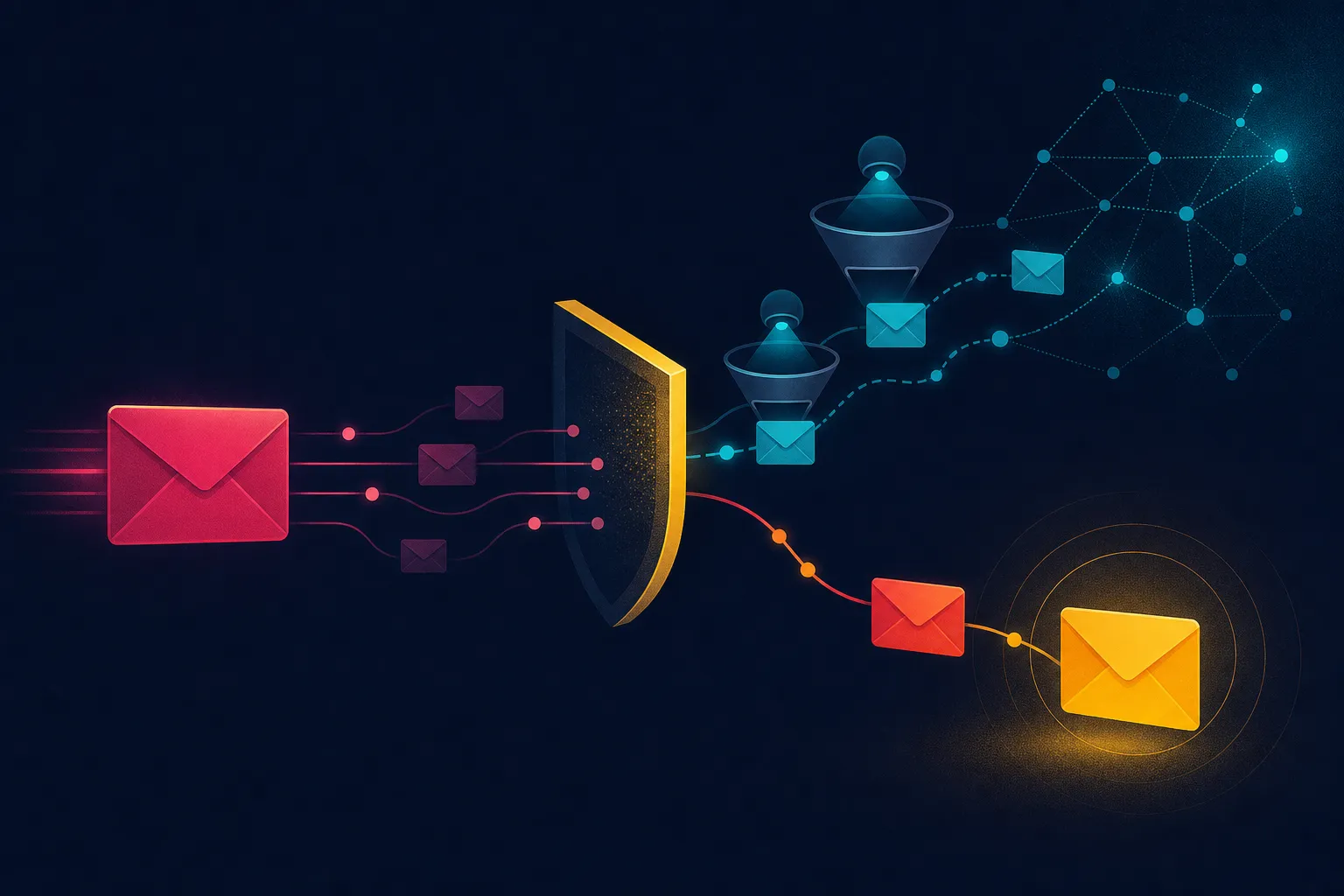
When you send cold email into corporate inboxes, you are not just sending to a person. You are sending into a security environment. Many organizations run email security tools that scan every link in every incoming message. These scanners open links automatically to check whether they lead to malware, phishing pages, or other threats.
From your email platform's perspective, a scanner opening a link looks exactly like a person clicking it. The platform records a click. Your dashboard shows a click. But no human ever saw your email.
This is not a bug in your email tool. It is a fundamental limitation of how click tracking works. A click is a click, regardless of who or what generated it.
The same problem affects open tracking. Gmail and other email clients often load images automatically, including the tracking pixel that records an open. In the campaign referenced above, 2,097 opens were recorded, but 123 of those were Gmail loading images on its own. The verified open count was 1,974.
That is a smaller distortion than the click problem, but it still matters when you are making decisions based on open rates.
Why This Breaks Your Domain Rotation Strategy
If you are running cold outreach across multiple domains and mailboxes, you probably rely on your dashboard to tell you which domains are healthy and which are burned. This is where inflated metrics become genuinely dangerous.
Consider two domains in your rotation:
Domain A sends primarily into corporate inboxes. Every email gets scanned on arrival. The dashboard shows constant activity. Clicks and opens pile up. It looks like your best performing domain.
Domain B reaches people at smaller companies without aggressive link scanning. Only real humans click. The dashboard shows quiet numbers. It looks like your worst performing domain.
The reality could be the exact opposite. Domain A might be landing in spam and getting scanned by security tools that never let a human see the message. Domain B might be reaching real prospects who are genuinely interested but just do not click links very often.
If you trust the dashboard, you keep a burned domain alive because the numbers look fine. Or you retire a domain that is actually working because the numbers look quiet. Either way, you made a decision based on noise, not signal.
The One Question That Changes Everything
There is a simple test you can apply to any sending tool. It takes about ten seconds to ask:
Of the clicks you show me, how many came from a person?
If the tool cannot answer that question, you are still guessing. Most tools cannot answer it because they were never built to distinguish between human clicks and machine clicks.
This is not a knock on those tools. Detecting scanner clicks requires additional infrastructure and logic that most platforms simply do not have. But if you are running outreach at scale, especially across rotated domains, this capability matters more than almost any other feature.
What to Look For in Your Reporting
The fix is not complicated in concept, though it does require the right tooling. You need a dashboard that separates machine activity from human activity.
Specifically, look for:
A separate column or metric for scanner clicks and automatic image loads. These should not be mixed into your main engagement numbers.
A verified count that reflects people only. This is the number you should use for decision making.
Transparency about how the platform identifies non human activity. If a tool claims to filter out bots but will not explain how, be skeptical.
In the campaign example above, the verified human count was 13 out of 1,715 clicks. That is the number that should drive decisions about domain health, campaign performance, and client reporting.
How to Apply This to Your Agency
If you manage cold outreach for clients, this issue affects your reporting, your strategy, and your credibility.
Start by auditing your current metrics. Pull a recent campaign and look at the click numbers. Ask yourself how many of those clicks could plausibly have come from real people. If you sent 5,000 emails and got 400 clicks, that is an 8% click rate. For cold outreach, that number should raise suspicion. Typical cold email click rates from real humans are much lower.
Next, talk to your email platform provider. Ask them directly how they handle scanner clicks and automatic image loads. If they do not have an answer, you know where you stand.
Finally, adjust your reporting. When you present results to clients, separate machine activity from human activity. This protects you from overpromising and helps clients understand what is actually happening in their campaigns.
The Bigger Picture
Cold email metrics have always been imperfect. Open rates have been unreliable since Apple introduced Mail Privacy Protection. Click rates are now compromised by security scanners. Reply rates remain the most reliable signal, but they only tell you about the small percentage of people who respond.
This does not mean you should abandon metrics. It means you should understand what your metrics actually measure and adjust your decision making accordingly.
The agencies that thrive in cold outreach are the ones that can distinguish between activity and results. A dashboard full of clicks means nothing if those clicks came from machines. A quiet dashboard might be hiding a campaign that is actually working.
The question is whether your tools can tell you the difference. If they cannot, you are still guessing. And in a channel where domain reputation and client trust are on the line, guessing is expensive.