Mailheight

Building an outbound email tool has never been faster. Describe what you want to an AI coding assistant and by the end of the day you can have a dashboard, a sequence builder and a warm-up tab. It looks like a finished product. But the parts that decide whether your email actually reaches an inbox are often the parts nobody prompted for.
That gap is not unique to email. In October 2025, Escape tech scanned 5,600 apps built with AI coding tools and found more than 400 exposed secrets, including API keys and access tokens anyone could read. Every one of those apps worked. They loaded, logged people in and did what the prompt asked. The failure sat in the part nobody prompted for. As Nithyanandan Ramakrishna put it in the original LinkedIn post, when a vibe coded app leaks a key, the builder pays. When an outbound tool gets sending wrong, you pay.
The hidden costs of an incomplete outbound stack
When an outbound tool gets sending wrong, the damage lands on your domain. Your messages start going to spam, your sender reputation drops, and rebuilding it can take months. The dashboard looks fine the whole time. Sends get logged, sequences keep running, and replies stop. By the time you notice, the harm is already done.
That is the core problem with treating outbound email as a UI exercise. The interface is the easy part. The hard part is everything that happens between hitting send and landing in a inbox.
What the prompt usually leaves out
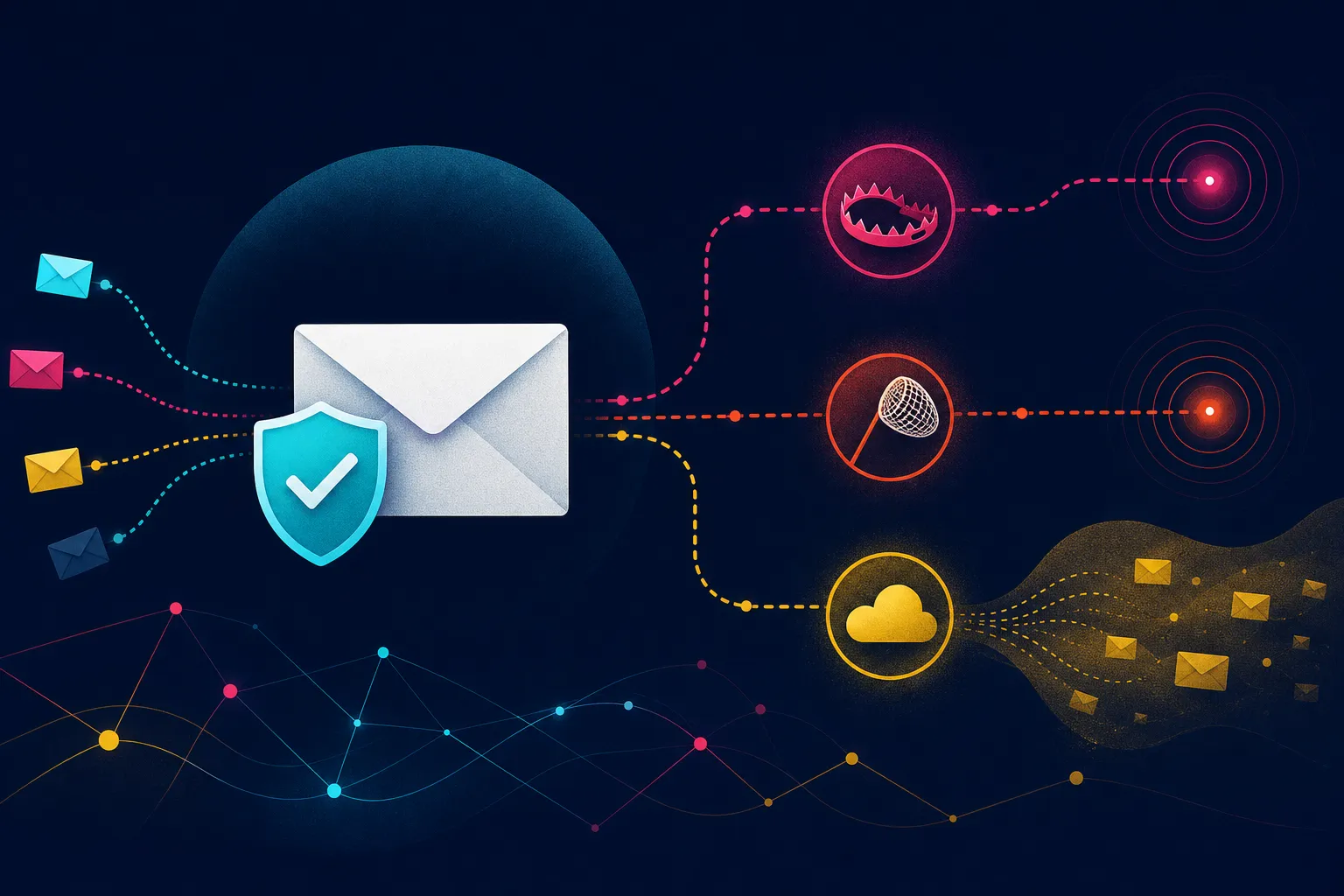
Most AI generated outbound tools cover the visible workflow: import a list, write a sequence, schedule sends. What they tend to skip are the operational controls that keep you out of trouble. Here are the ones that matter most.
1. Handling deferrals and temporary blocks
Mailbox providers do not always reject mail outright. Often they defer it, meaning they ask your server to try again later. A well built sender knows how to read those responses, back off, and retry without hammering the provider. A tool that ignores deferrals and keeps retrying at full speed can turn a temporary slowdown into a reputation problem.
2. Sending at the right speed for each provider
Gmail, Microsoft and corporate gateways all have different tolerances for volume and pacing. Sending too fast to a provider that expects a slower ramp is a common way to get throttled or filtered. The right sending speed is not a single number. It depends on the provider, your domain history and how your recent sends have performed.
3. Recognizing traps and invalid addresses
Some addresses on any list were never real people. They may be spam traps, role accounts or addresses that were abandoned years ago. Sending to them can hurt your reputation even if you never get a reply. Verification before send is one of the simplest ways to reduce that risk.
4. Knowing when to stop a campaign
Complaints are a leading indicator of trouble. If spam complaints are climbing, the right move is to pause and investigate, not to keep sending. A tool that does not watch complaint rates will happily keep going straight past the threshold.
The 0.3% complaint threshold
Since February 2024, Gmail and Yahoo have required bulk senders to keep spam complaints under 0.3%. That number is not a suggestion. It is a line that, once crossed, can affect how your mail is treated. A tool that does not monitor that number in real time is not really managing deliverability. It is just sending.
For agencies running outbound for multiple clients, this matters even more. One client's domain can be damaged by a tool that does not respect provider limits. The fix is not a better dashboard. It is server side controls that act before the send, not after.
Why server side controls matter
Deliverability is not a feature you bolt on at the end. It is a set of decisions made at the infrastructure level: which server sends the mail, how it authenticates, how it paces sends and how it responds to provider feedback. When those decisions are handled on the server side, they apply to every campaign automatically. When they are left to the user, they get skipped.
Mailheight runs every account on a dedicated sending server we own and operate, with verification before send and deliverability controls on the server side. That means the parts nobody prompts for are handled before your first campaign goes out.
A practical checklist for agencies
If you are evaluating an outbound tool, or building one, here is what to look for.
- Authentication in place. SPF, DKIM and DMARC should be configured and aligned for every sending domain. These are the baseline signals that tell providers your mail is legitimate.
- Verification before send. Lists should be checked for invalid and risky addresses before any message goes out.
- Provider aware pacing. Sending speed should adjust based on the destination provider and your recent performance.
- Complaint monitoring. The tool should track spam complaint rates and alert or pause when they approach the 0.3% threshold.
- Deferral handling. Temporary blocks should be respected with proper backoff and retry logic.
- Dedicated infrastructure. Shared sending pools can spread problems between accounts. Dedicated servers reduce that risk.
The bottom line
AI coding tools have made it easy to build the visible parts of an outbound platform. They have not made it easy to build the invisible parts that determine whether your email reaches an inbox. Those parts require decisions about infrastructure, pacing, verification and monitoring that a prompt rarely captures.
If you are running outbound for clients, the cost of getting this wrong is not a broken app. It is a damaged domain and months of lost replies. Choose tools that handle deliverability on the server side, and treat the dashboard as the least important part of the stack.